Hey Community!
Looking for a fun way to engage your audience? Our new Tap Challenge sample demonstrates how to create a simple reaction-based game in Intuiface using out-of-the-box Interface Assets, Headless CMS, and an Excel-powered leaderboard.
Players have 30 seconds to tap as many moving logos as possible. Each successful tap awards points before the logo jumps to a new random position, creating a fast-paced and engaging challenge. Once time runs out, players can enter their name and save their score to the leaderboard.
View a live demo below - yes, you can interact with the experience!
What you’ll learn
This sample demonstrates how to:
- Build a reaction game using standard Intuiface assets.
- Generate random positions for assets using the Random Number Generator Interface Asset.
- Track scores using the Simple Counter Interface Asset.
- Manage gameplay with the Countdown Interface Asset.
- Store leaderboard results using the Excel Interface Asset.
- Manage logos, scoring, text, imagery, and audio using Headless CMS .
Like all of our sample experiences, everything is fully customizable. You can replace the logos with your own branding, adjust the points awarded, modify the game duration, or even adapt the concept into a completely different tapping challenge.
Whether you’re building a promotional game for an event, an educational activity, or an interactive kiosk experience, this sample provides a solid starting point.
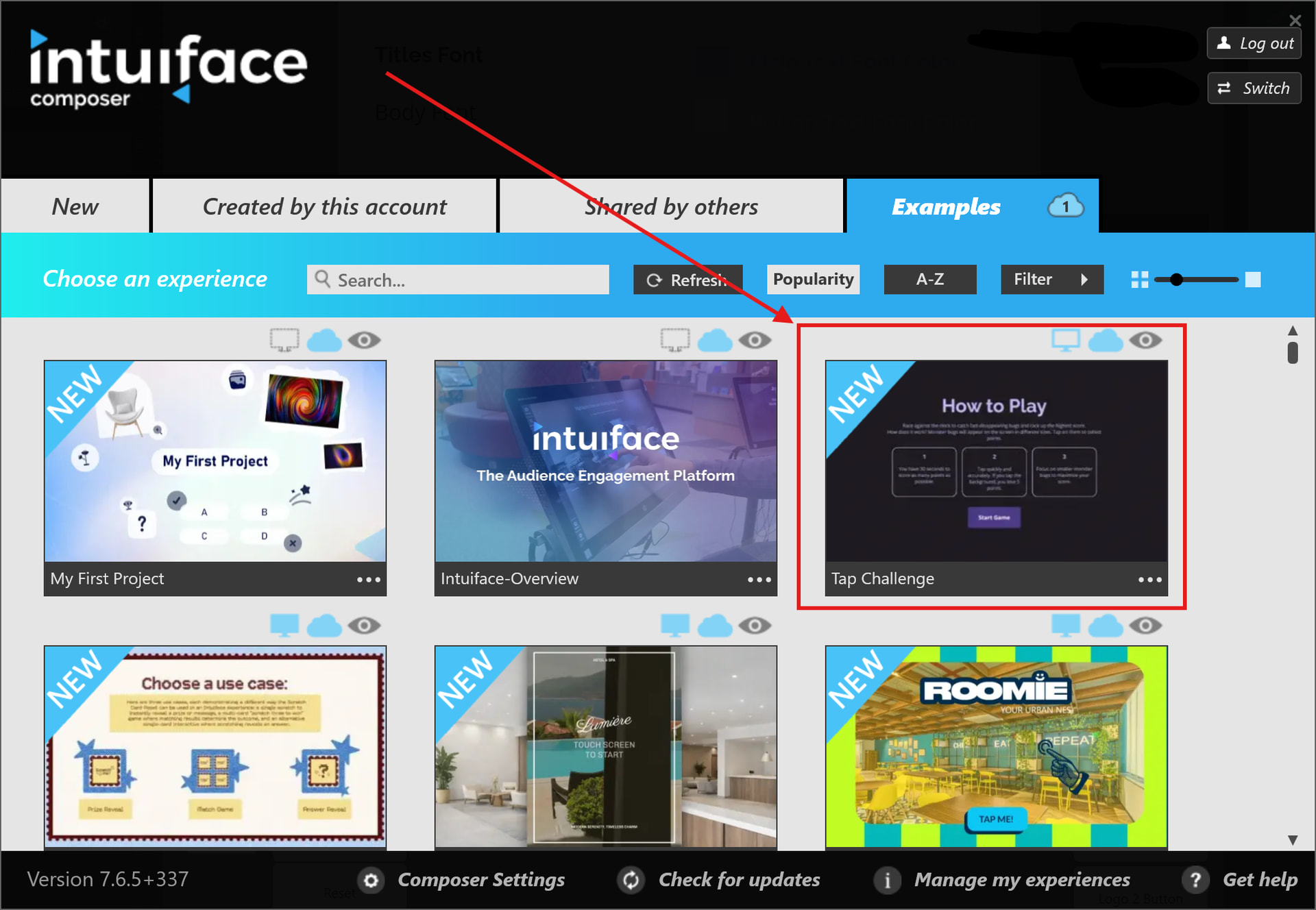
Download the sample from the Examples tab in Composer.
Read the Help Center article to learn how the experience is built and how to customise it for your own projects.
As always, we’d love to see what you create with it. Feel free to share your own versions with the Community! 
Kind Regards
Louie