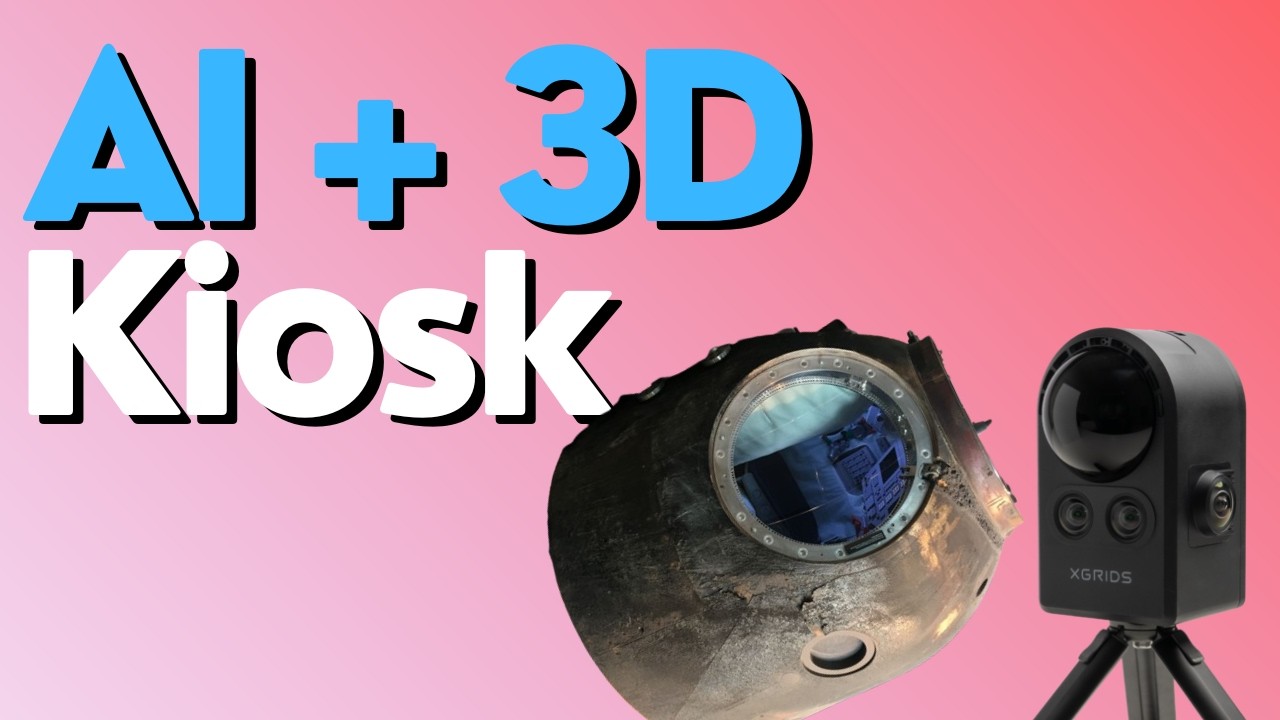
This new prototype explores how the convergence of AI and 3D technologies can create immersive storytelling experiences for use cases ranging from museum exhibits to real estate tours and product showcases.
The experience offers two distinct ways to consume information:
-
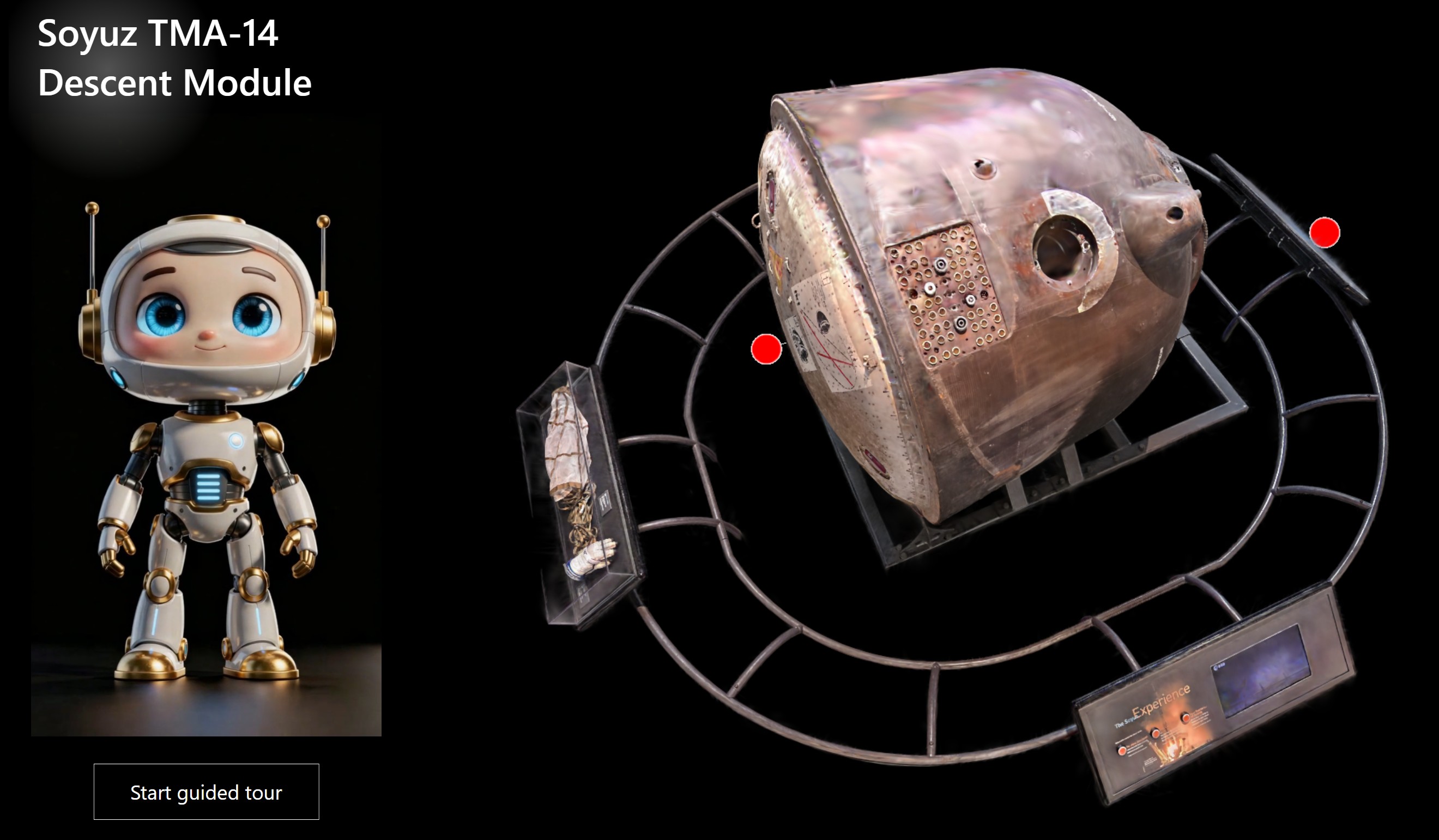
Free Exploration: Users manipulate the 3D model at will, tapping on hotspots to investigate specific details.
-
Guided Tour: A linear narrative where an AI avatar takes control, synchronizing the audio story with automatic camera animations of the 3D model.
The subject of this demo is the Soyuz TMA-14 Descent Module, the Russian spacecraft historically used to transport astronauts to the International Space Station.
The Tech Stack
To build this, we needed a pipeline that moved from physical capture to digital deployment. Here is our workflow:
-
Capture (XGRIDS): We scanned the Soyuz using the PortalCam handheld scanner by XGRIDS. This device generates a 3D Gaussian Splatting model, a cutting-edge format for capturing visually rich details. The output is a PLY file, a standard format for storing three-dimensional data
-
Processing (SuperSplat): The raw model required cleaning, which we performed using the free online tool SuperSplat
-
Hosting (SeekBeak): We uploaded the polished model to SeekBeak, a virtual tour platform that supports 360-degree images and 3D files. SeekBeak allows for the addition of hotspots that can trigger external actions
-
Avatar (HeyGen): The virtual guide was generated using HeyGen, providing an AI character with a human-like voice. For this specific demo, we opted for a pre-rendered video export rather than a real-time conversational agent
-
The Brain (Intuiface): Intuiface acted as the central hub, orchestrating the web experience, video playback, and user interaction logic
How It Is Made
The core technical challenge was establishing bidirectional communication between Intuiface and the SeekBeak web embed.
To achieve this, we leveraged the SeekBeak Interface Asset. This bridge allowed us to do two things:
-
Intuiface → SeekBeak: Trigger specific camera animations in the 3D scene when the AI avatar video reached specific timestamps
-
SeekBeak → Intuiface: Trigger specific actions in the Intuiface experience (e.g., playing the video at a specific timeline) when a user tapped a hotspot inside the 3D web viewer
The Logic
The Intuiface experience is built around a Video Asset equipped with a series of “Reaches Time” triggers. These triggers simulate the tapping of specific hotspots within the SeekBeak scene, which is embedded inside an HTML Frame Asset. To keep the architecture simple, we hard-coded the timestamps rather than using an external database.
The Code
Since SeekBeak provides a default embed code (similar to YouTube), we needed to augment it to ensure communication reached the Intuiface layer. Thanks to some JavaScript magic from @Seb, we added a few lines to the embed code to enable this connectivity:
JavaScript
<iframe src="https://app.seekbeak.com/v/YojXwPvLz8e"? style="position: absolute; top: 0; left: 0; width: 100%; height: 100%; border:none" allowFullScreen="true" webkitAllowFullScreen mozallowfullscreen allowFullScreen allow="accelerometer;autoplay;encrypted-media;gyroscope;xr-spatial-tracking;xr;geolocation;picture-in-picture;fullscreen;camera;microphone"></iframe></div></div>

<script>
window.addEventListener('message', (event) => {

    // Forward the message to the top-level window

    if (window.top !== window && event.data.source != "intuiface" ) { // Ensure this script is inside an iframe

        window.top.postMessage(event.data, '*'); // Replace '*' with a specific origin if needed

    } else {
        console.warn('This script is not running inside an iframe.');
    }
});


//forward messages posted to top window to iframe window

window.top.addEventListener('message', (event) => {

   var SBWindow = document.querySelectorAll('iframe')[0].contentWindow;

   if (SBWindow && window.top !== SBWindow && event.data.source != "seekbeak")

   {
       SBWindow.postMessage(event.data, '*'); // Replace '*' with a specific origin if needed

   }
});
</script>
The Setup in SeekBeak
On the SeekBeak side, we imported the 3D model and defined “Paths” (waypoints representing the start and end of camera animations). We then added hotspots to trigger these paths. The SeekBeak Interface Asset acts as the glue, detecting when a hotspot is clicked inside the embed and translating that event into an Intuiface action, in our case, jumping the avatar video to the relevant segment.
Experience It Yourself
-
Try the prototype here (Desktop Only): https://web.intuiface.com/soyuz3d
A special thanks to @pnelson at The Museum of Flight in Seattle, WA and Tim Allan of SeekBeak for partnering with us on this R&D experiment.