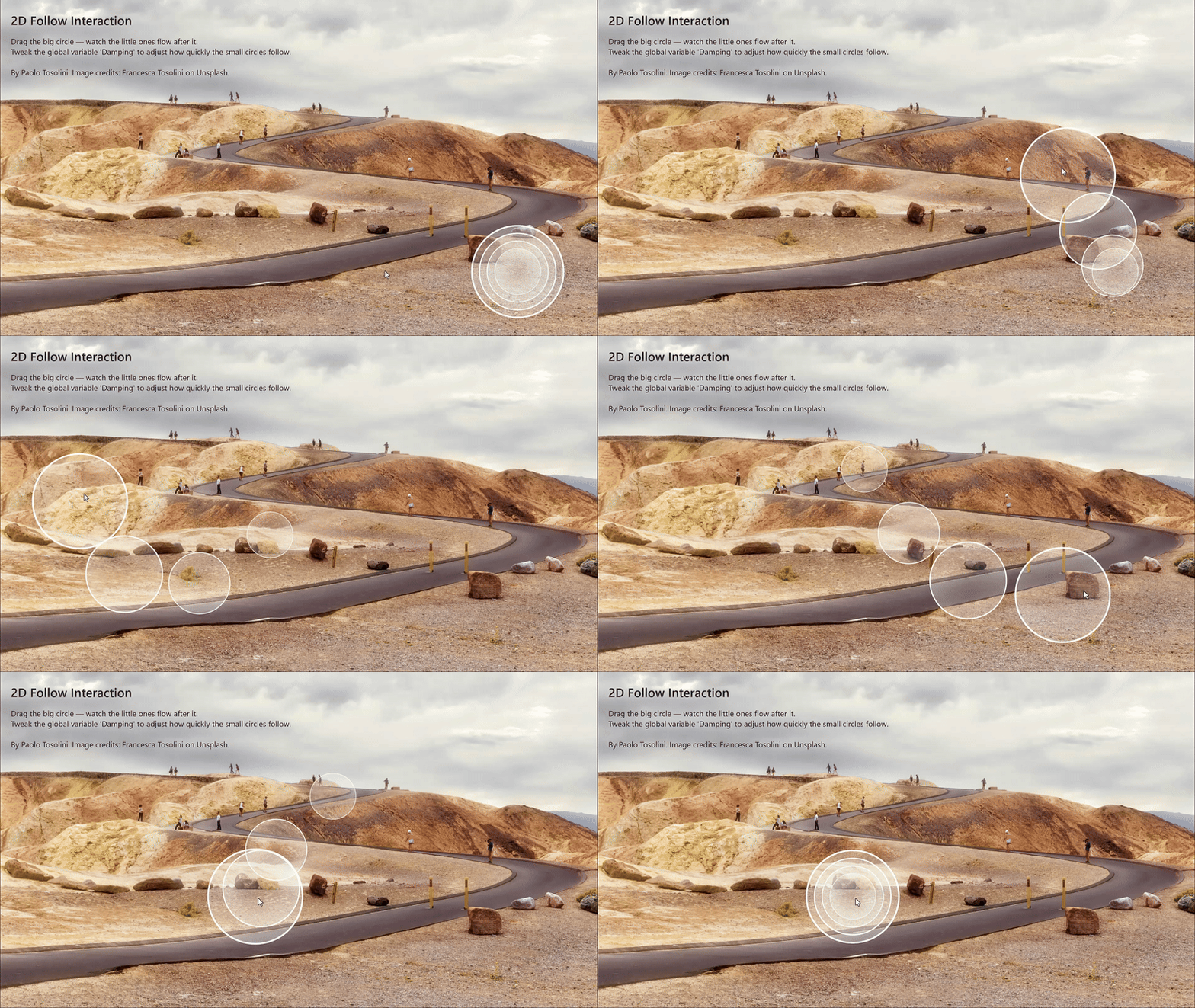
This is a playful interaction: move the big circle and you get a smooth, flowing chain reaction as smaller circles follow with a short delay. Inspired by a Spline tutorial, I wanted to see if I could recreate the same effect in Intuiface.
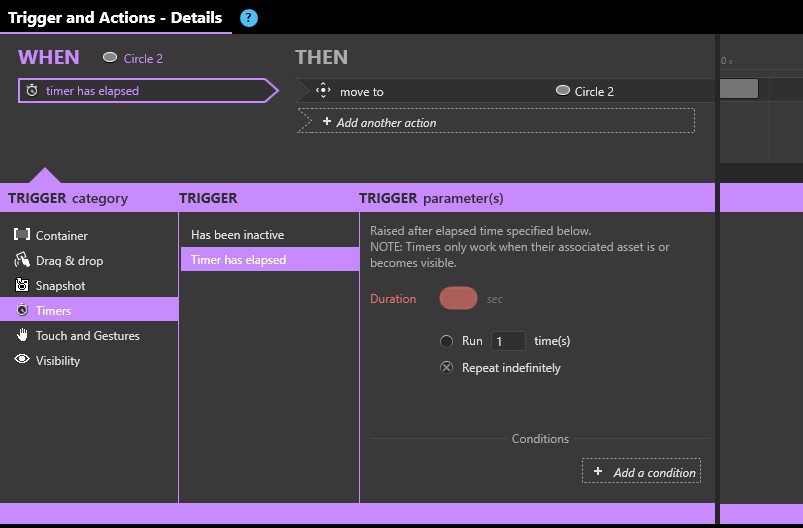
The setup is simple. There are four circles. Circle 1 is the largest and can be dragged freely in any direction. Circle 2 is smaller and follows the path of Circle 1 with a short delay controlled by a variable called Damping. A recurring timer reads Circle 1’s X,Y coordinates multiple times per second and updates Circle 2’s position with a smooth animation. Circle 3 is smaller than Circle 2 and follows using the same logic, catching up to Circle 2’s X,Y after a delay. Circle 4 then follows Circle 3.
Variations could include adding an X,Y offset for curves or swapping circles for images — for example, dragging a “head” while the “body” trails behind.
This interaction runs well on the Windows Player, but it’s less smooth on the Web Player.